
WEB APP AVAILABLE · ANDROID COMING SOON
Your favorite songs.
The gear you
already own.
Get closer to the guitar sounds you love with practical amp and pedal settings for your supported setup.
Start with 4 free gear matches every 14 days. Sign in to match your gear.
FROM INSPIRATION TO YOUR AMP
Hear it. Find it.
Make it your own.
A favorite riff is a good place to start.
Amper helps you take it from there.
- 01
Choose a song.
Explore the library and select an available guitar part, from a clean intro to a rhythm or solo.
- 02
Add your gear.
Select your supported guitar, amp, and optional pedals. This is about the setup you already have.
- 03
Dial in your sound.
Try the recommended settings, then adjust by ear for your room, your playing, and your taste.
A LOOK INSIDE
Meet your new
practice companion.
From the song that inspires you
to the settings you'll come back to.
A LITTLE INSPIRATION
Your next tone
starts with a song.
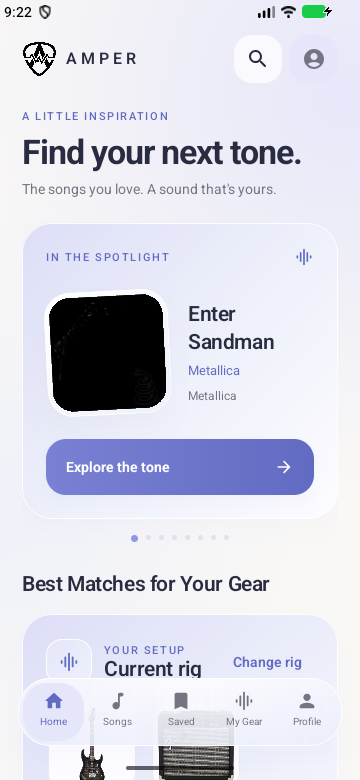
Browse reference tones and discover songs that suit your setup. Explore before you spend a match.
- Find songs and available guitar parts
- Discover matches for your current rig
- Build a little inspiration into every practice
FAMILIAR GEAR. NEW POSSIBILITIES.
Your guitar.
Your amp. Your pedals.
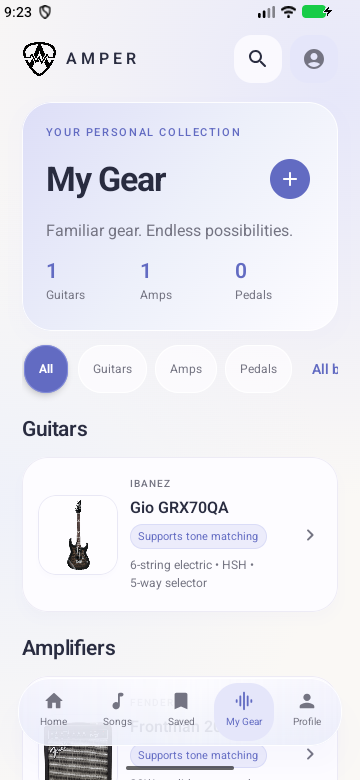
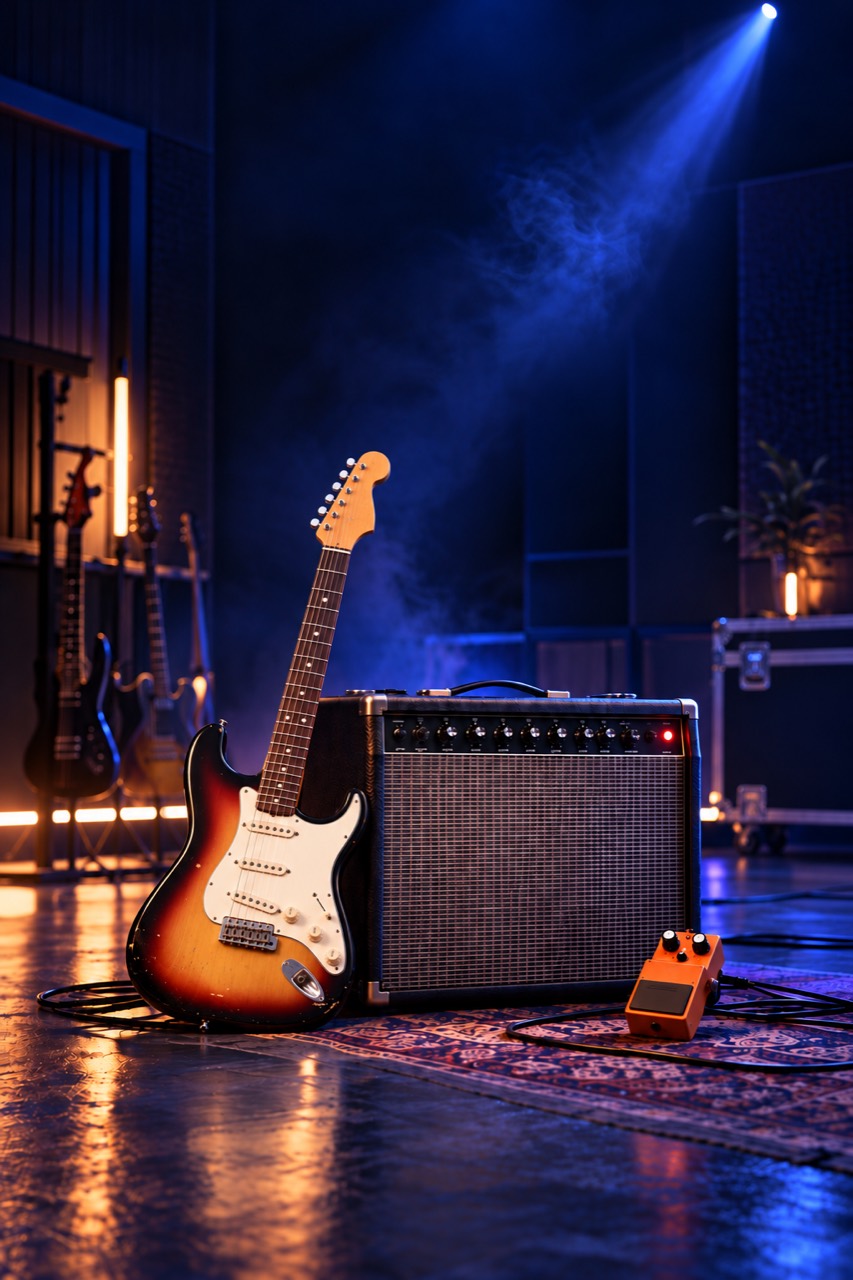
Keep your supported equipment together in My Gear. Amper works with the controls on your exact model and explains what your setup can and cannot reproduce.
- Choose supported guitars, amps, and pedals
- Get guidance for the controls you actually have
- Request gear that's missing from the catalog
GET TO KNOW THE SOUND
Go beyond
the knob positions.
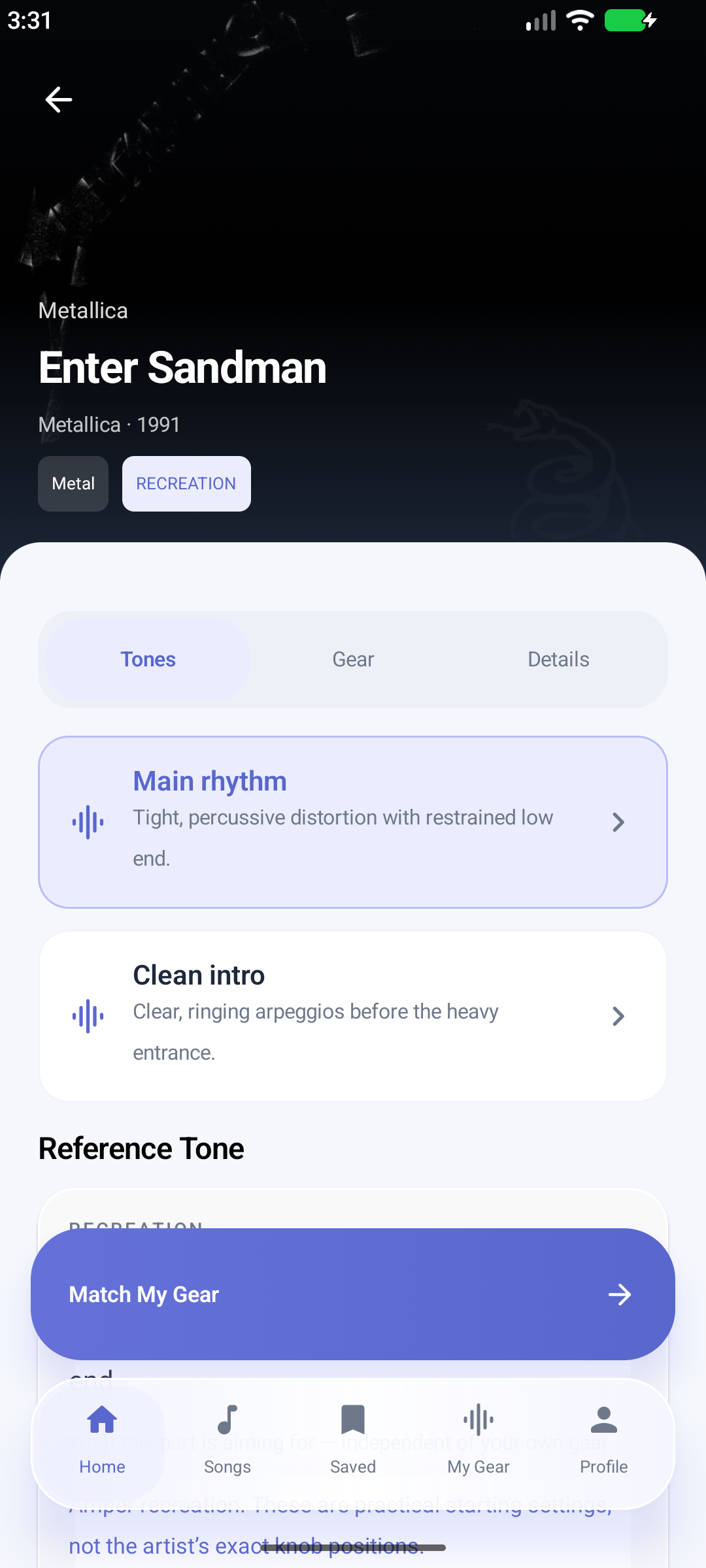
Explore the reference tone behind an available guitar part, then use Match My Gear for practical settings on your supported setup.
- Explore reference gear and tone information
- See evidence labels for recreations and references
- Understand the limits of your equipment
A starting point to shape by ear, with no promise of an exact recording recreation.
KEEP THE GOOD ONES
Less remembering.
More playing.
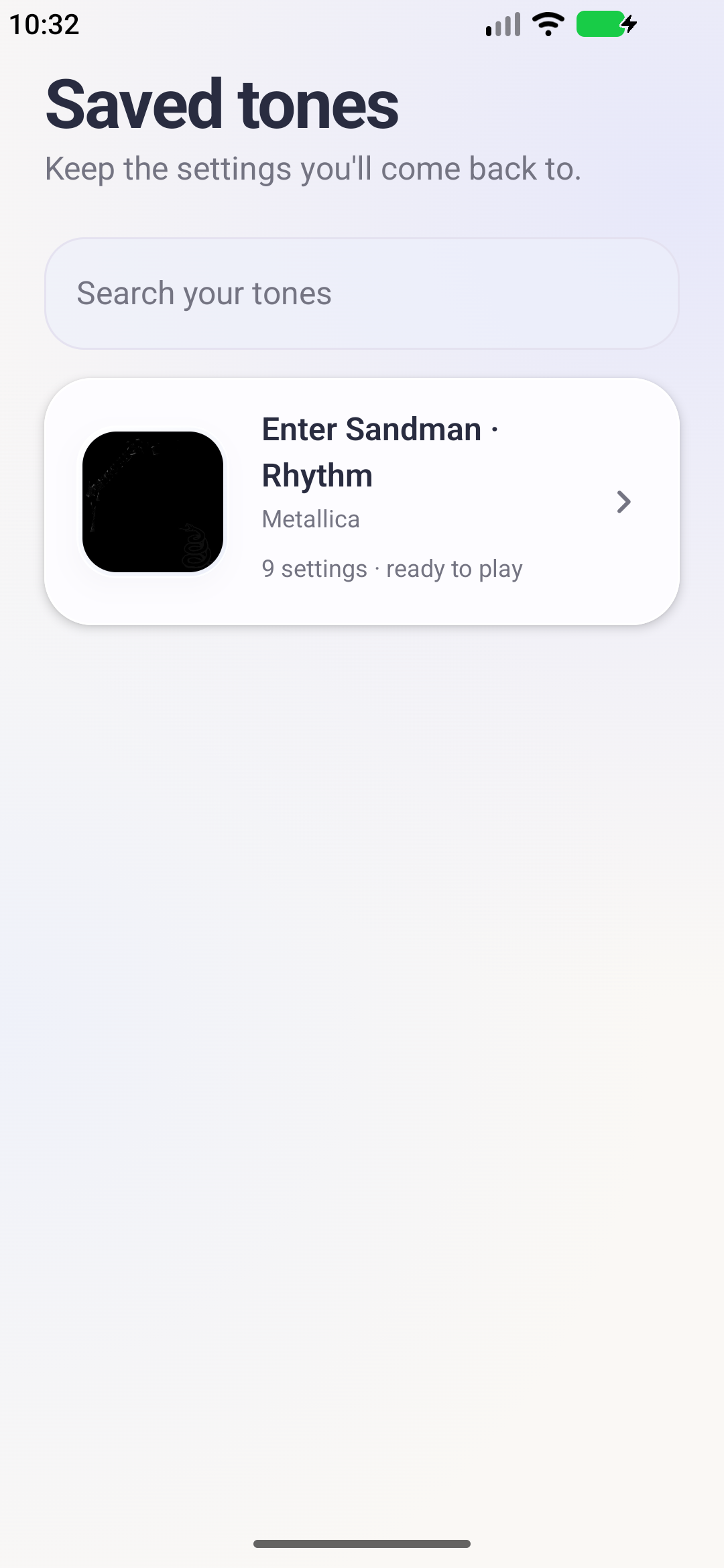
Save the settings you want to return to. Signed-in users can build a personal collection of tones for their next practice session.
- Keep your favorite generated configurations
- Find saved tones when inspiration strikes
- Reopen an existing match without spending another
A first look at Amper. Screens and features are evolving as we prepare for launch.
 THE SOUND STARTS WITH YOU.
MADE FOR THE GEAR YOU OWN
Big inspiration.
Your everyday rig.
A reference rig can tell you how a sound was made. Amper helps you work with the controls on your own supported equipment.
See practical settings, pickup suggestions, and honest explanations of your setup's limitations. You bring the guitar. We'll help with the starting point.
Your hands. Your room.
Your version of the sound.
ROOM TO EXPLORE
A little more tone.
Every two weeks.
Free matching that renews, so you can keep trying something new.
Browse reference tones, discover songs that fit your gear, and put your next match toward a sound you love.
4 free gear matches
every 14 days
New matching configurations, on a recurring allowance. Opening an existing generated configuration doesn't spend another match.
Want to go deeper? Existing Pro accounts have unlimited matching and deeper tone information. Plan purchases and rewarded ads are not available on the website.
What does Amper do?
Amper recommends settings for real guitar equipment to help you get closer to song-inspired tones. You apply the settings to your gear yourself.
Is it an amp simulator?
No. Amper provides guidance; it does not process your guitar's audio or replace an amplifier.
Will it work with my gear?
Matching supports models in Amper's equipment catalog. The app includes a gear-request feature for missing models. Model versions and available controls matter, so check your exact equipment.
Is Amper free?
Browse reference tones for free and sign in for 4 new gear matches every 14 days. Existing Pro accounts can use their matching benefits. Plan purchases and rewarded ads are not available on the website.
Can it recreate every recording exactly?
No. Equipment, speakers, recording production, the room, and playing technique affect the sound. Amper provides a practical starting point and explains limitations.
When and where can I get it?
Use Amper in your browser now. The Android app is still in development. Follow @amper.tones on Instagram for release updates. iOS is a longer-term possibility, with no release date announced.
YOUR NEXT SOUND IS ON ITS WAY
Good things
are getting dialed in.
Amper is coming to Android.
Follow along as we turn the volume up.